
- Solve real problems with our hands-on interface
- Progress from basic puts and calls to advanced strategies
Interactive Options Course
Lesson 2 of 3
Already an Interactive Brokers Client?
New to Interactive Brokers?
Paper trading is a great way to explore IBKR’s platforms, tools, and features in a safe, simulated, trading environment.

Once you’ve opened a paper trading account, you can access it across multiple platforms, including:
In the paper trading environment, you’ll see the same layout and tools as your live account.
You can also customize the settings in your paper trading account just like a live account. For example, you can set up watchlists, configure hotkeys and layouts, practice using a long list of different order types, such as limit, stop, or bracket, as well as manage asset class permissions, explore option analytics tools, and much more.

In fact, IBKR’s platforms offer a wealth of trading capabilities – where users can:’
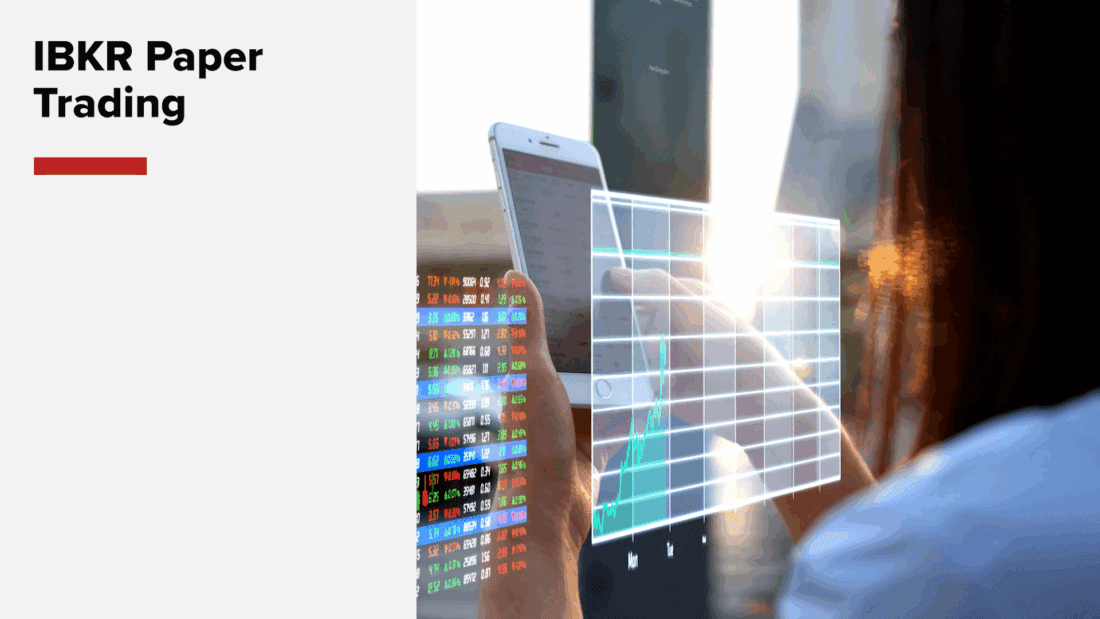
Users can also review and configure their simulated portfolios, set alerts, and access news!
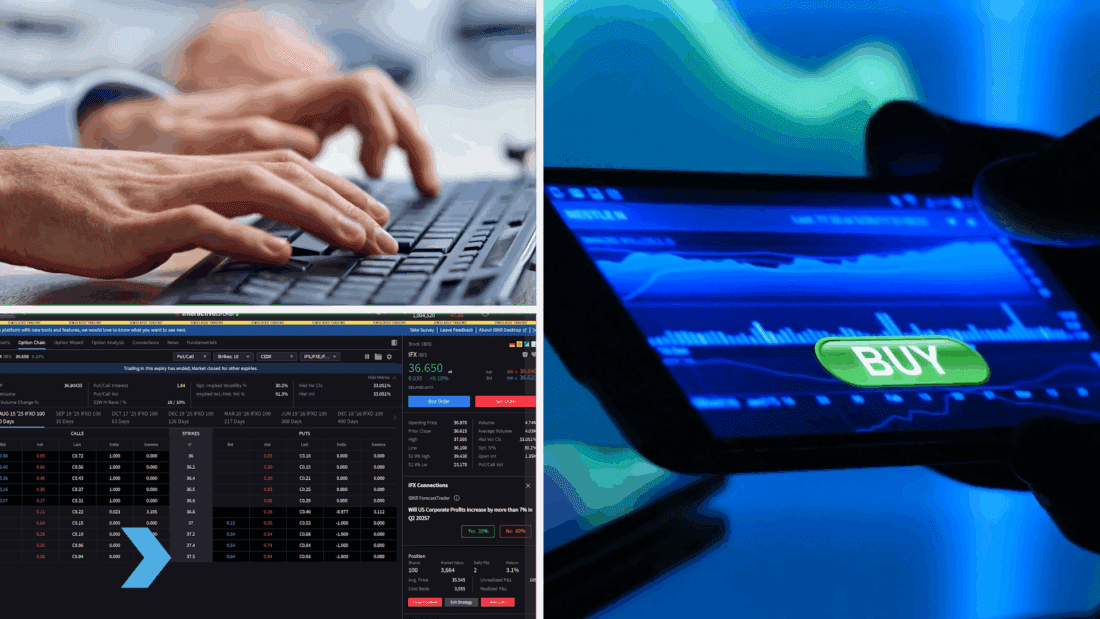
Whether entering a trade, selecting an option strike, or buying a future, paper trading offers a host of tools and services across IBKR’s platforms – either while sitting at a desktop or taking your activity on-the-go.
More details and stepwise instructions are available at no cost through our extensive list of video tutorials on IBKR’s Traders’ Academy, where users can acquire, and ultimately learn to apply, practically all the same skills when trading in their live account.
You’ll also want to note that your paper trading account will share the same market data permissions as your live account, which means if you’re not subscribed to real-time market data, your paper trading quotes will appear delayed, just like on your live account – but, if you have, say, real-time data for equities, you’ll see it whether in the live or paper trading environment.
And since the equity displayed in your paper trading account will fluctuate in the same manner as your live account, you can reset your simulated funds back to $1 million, or another amount, at any time, using the Client Portal’s Account Settings options.

In our next lesson, we’ll compare how paper trading differs from live trading—so you’ll be better equipped at what to expect. We’ll look forward to seeing you then!
Traders’ Academy
Traders’ Academy (US Campus) (EU Campus)
New IBKR Institutional Account: Requesting a Paper Trading Account
Getting Started for Financial Advisors: Signing-up for a Paper Trading Account
How to Open an Account, Deposit, and Withdraw Funds
IBKR Guides
IBKR Website
For specific platform feedback and suggestions, please submit it directly to our team using these instructions.
If you have an account-specific question or concern, please reach out to Client Services.
We encourage you to look through our FAQs before posting. Your question may already be covered!
The analysis in this material is provided for information only and is not and should not be construed as an offer to sell or the solicitation of an offer to buy any security. To the extent that this material discusses general market activity, industry or sector trends or other broad-based economic or political conditions, it should not be construed as research or investment advice. To the extent that it includes references to specific securities, commodities, currencies, or other instruments, those references do not constitute a recommendation by IBKR to buy, sell or hold such investments. This material does not and is not intended to take into account the particular financial conditions, investment objectives or requirements of individual customers. Before acting on this material, you should consider whether it is suitable for your particular circumstances and, as necessary, seek professional advice.
The views and opinions expressed herein are those of the author and do not necessarily reflect the views of Interactive Brokers, its affiliates, or its employees.










Helpful!
no puedo entender como hago para obtener un curso en espaniol, todo me lleva a videos en ingles