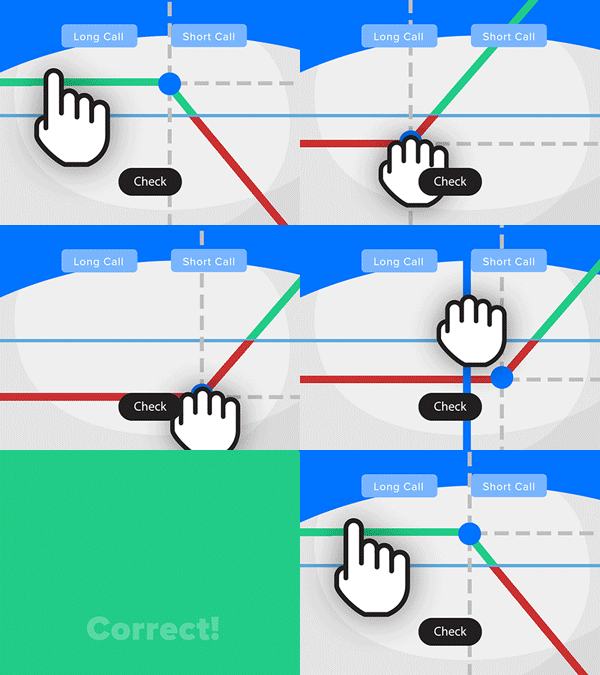
- Solve real problems with our hands-on interface
- Progress from basic puts and calls to advanced strategies
Interactive Options Course
Posted August 31, 2026 at 12:00 pm

The article “Mastering Version Control for Python Projects” was originally published PyQuant News blog
In today’s fast-paced software development world, mastering version control systems like Git and GitHub is vital for Python developers. Whether you’re working solo on a passion project or contributing to a large open-source initiative, understanding how to manage and collaborate on code can make or break your success. This guide will explore the mechanics of Git and GitHub, providing a comprehensive overview of using these powerful tools to manage and collaborate on Python projects.
Version control systems (VCS) are more than just tools for tracking code changes. They enhance collaboration, reduce errors, and streamline the development process. For Python developers, using a version control system is essential for several reasons:
Git is a distributed VCS that allows developers to track changes in their codebase. Unlike centralized systems, Git provides local repositories, making it faster and more flexible. Let’s explore the basics.
To begin, you’ll need to install Git on your machine.
For Windows, download the installer from git-scm.com. For macOS, use Homebrew:
brew install git
For Linux, use your distribution’s package manager:
t-get install git  # Debian-based systems
sudo yum install git      # Red Hat-based systems
Configuring Git
Once installed, configure Git with your name and email:
git config --global user.name "Your Name"
git config --global user.email "your.email@example.com"
These details will be associated with your commits.
Initializing a Git Repository
To start tracking a Python project, navigate to the project directory and initialize a Git repository:
git init
This command creates a new .git directory, which contains all the metadata and object database for your project.
Staging and Committing Changes
After making changes to your project, you’ll need to stage and commit them:
git add .
git commit -m "Initial commit"
The git add . command stages all the changes you have made, and git commit -m "Initial commit" records these changes in the repository with a descriptive message.
Using GitHub for Collaboration
GitHub is a web-based platform that extends Git’s functionality by providing a centralized location for repositories, along with tools for issue tracking, code review, and more. Here’s how to make the most of GitHub.
Creating a GitHub Repository
Log in to your GitHub account and create a new repository. Once done, link your local repository to GitHub:
git remote add origin https://github.com/yourusername/your-repo.git
git push -u origin master
Cloning a Repository
To collaborate on an existing project, clone the repository to your local machine:
git clone https://github.com/username/repo.git
This command creates a copy of the repository on your machine, preserving its history and branches.
Branching and Merging
Branching allows you to work on different features or fixes independently. To create a new branch named new-feature:
git checkout -b new-feature
After making changes, push the branch to GitHub:
git push origin new-feature
Once the feature is complete, create a pull request (PR) on GitHub. This process allows team members to review and discuss the changes before merging them into the main branch.
Advanced Git Techniques
Mastering the basics is just the beginning. Advanced Git techniques can further enhance your workflow.
Rebasing
Rebasing integrates changes from one branch into another, creating a linear and cleaner project history that’s easier to follow:
git checkout new-feature
git rebase master
This command replays the commits from the new-feature branch onto the master branch.
Cherry-Picking
Cherry-picking allows you to apply a specific commit from one branch to another:
git cherry-pick commit-hash
This technique is useful for hotfixes or when you need a particular change without merging an entire branch.
Git Submodules
Submodules let you include and manage external repositories within your project. To add a submodule:
git submodule add https://github.com/username/repo.git path/to/submodule
Update submodules with:
git submodule update --remote
Using Git and GitHub effectively involves adhering to best practices specific to Python development.
.gitignore File for Python
A .gitignore file specifies which files and directories Git should ignore, keeping your repository clean and free from unnecessary files. For Python projects, typical entries include:
__pycache__/
*.pyc
*.pyo
*.pyd
.env
.venv
Commit Messages
Write clear, concise commit messages. Follow the Conventional Commits standard for consistency:
feat: add new feature
fix: resolve issue with function
docs: update documentation
Code Reviews with GitHub
Code reviews are essential for maintaining high code quality. They allow team members to catch potential issues, share knowledge, and ensure that the codebase remains clean and efficient. Use GitHub’s pull request system to facilitate peer reviews. Reviewers should leave constructive feedback, and authors should address all comments before merging.
To deepen your understanding of Git and GitHub, explore these invaluable resources:
Mastering version control systems like Git and GitHub is a continual journey that significantly enhances efficiency, collaboration, and code quality. By understanding the fundamentals, embracing best practices, and continually exploring advanced techniques, Python developers can fully harness the power of these essential tools. Embrace community resources, refine your workflow, and stay ahead in the ever-evolving landscape of software development.
Information posted on IBKR Campus that is provided by third-parties does NOT constitute a recommendation that you should contract for the services of that third party. Third-party participants who contribute to IBKR Campus are independent of Interactive Brokers and Interactive Brokers does not make any representations or warranties concerning the services offered, their past or future performance, or the accuracy of the information provided by the third party. Past performance is no guarantee of future results.
This material is from PyQuant News and is being posted with its permission. The views expressed in this material are solely those of the author and/or PyQuant News and Interactive Brokers is not endorsing or recommending any investment or trading discussed in the material. This material is not and should not be construed as an offer to buy or sell any security. It should not be construed as research or investment advice or a recommendation to buy, sell or hold any security or commodity. This material does not and is not intended to take into account the particular financial conditions, investment objectives or requirements of individual customers. Before acting on this material, you should consider whether it is suitable for your particular circumstances and, as necessary, seek professional advice.
The third-party code discussed within this article is not investment or trading advice, and is for proof-of-concept, educational, and illustrative purposes only. IBKR makes no representations or warranty regarding its accuracy or completeness. Users are solely responsible for conducting their own independent testing and due diligence before applying any code or concepts in a live or production environment








Join The Conversation
For specific platform feedback and suggestions, please submit it directly to our team using these instructions.
If you have an account-specific question or concern, please reach out to Client Services.
We encourage you to look through our FAQs before posting. Your question may already be covered!