

Update The Python Interpreter
Python has a unique system for importing libraries into it’s IDEs. This extends even further when it comes to virtual environments. In order to utilize Python code with the TWS API, you must run our setup file in order to import the code.
Launch Shell
To begin, launch your shell of choice. This can be Command Prompt, Powershell, Terminal, or any other shell of choice.
Navigate to TWS API source
Within your terminal, navigate to the installed directory of the API.
- Windows —
cd "C:\TWS API 1051.01\source\pythonclient" - MacOS/Linux —
cd "/TWS API 1051.01/source"
Version from Downloading the TWSAPI.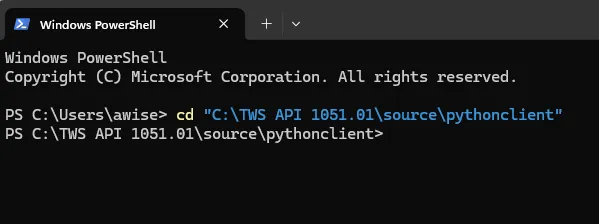
Install the Python package
Users may install the software through pip or SetupTools. The end result is environment dependent; however, both installation methods require the package be locally downloaded prior to installation.
- Install with pip —
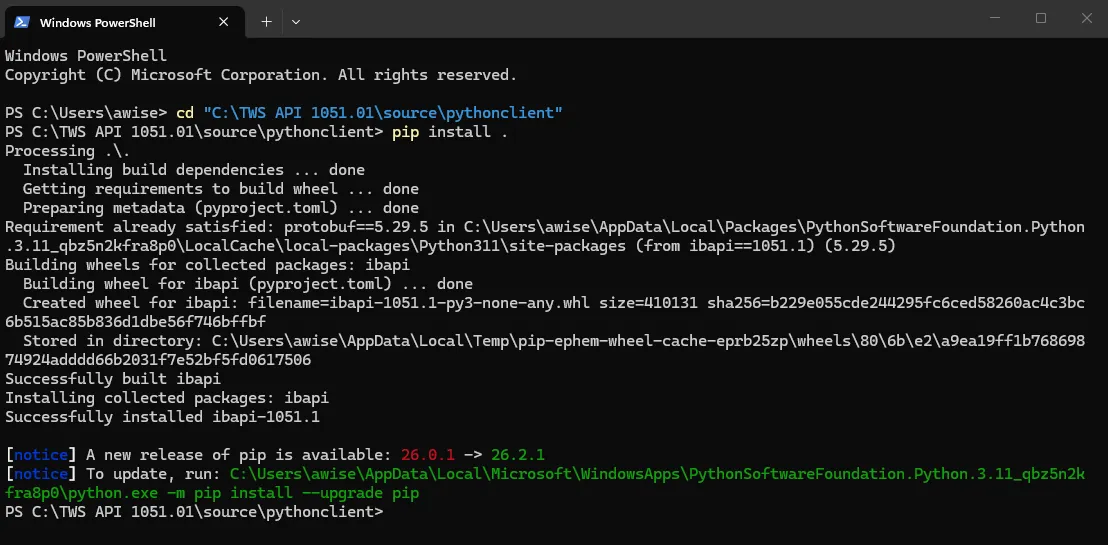
pip install . - Install with SetupTools —
python setup.py install
After running the prior command, users should see a large block of text describing various values being updated and added to their system. It is important to confirm that the version installed on your system mirrors the build version displayed. In our case, we can see Successfully installed ibapi-1051.1.
Verify Updates
Once the installation is completed, it is important to validate the newest version is installed. This can be completed with pip show ibapi. This should reflect the installed version as displayed in Step 3.
python -m pip show ibapi or python3 -m pip show ibapi.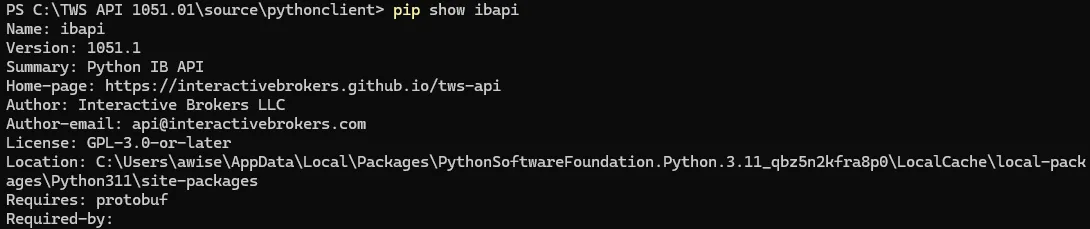
Protobuf UserWarning messages
After resolving the reference errors, using the TWSAPI may print a UserWarning upon connection. These warnings are predominantly cosmetic and can be ignored. These issues are caused by the Pypi release of protobuf running version 6.30.1 and above, while the TWS API is built with 5.29.3. The warning is simply notifying users that their version is 1 major version different. However, given protobuf is currently backgwards compatible, this should not present any issues with the implementation. Developers uncomfortable with the warning messages have a few options:
- Recompile Protobuf against their Github 5.29.3 version to maintain parity with the TWS API implementations.
- Users can also modify the code source, linked by the protobuf warning, and simply remove lines 94 and on from the runtime_version.py file.