Requesting Data
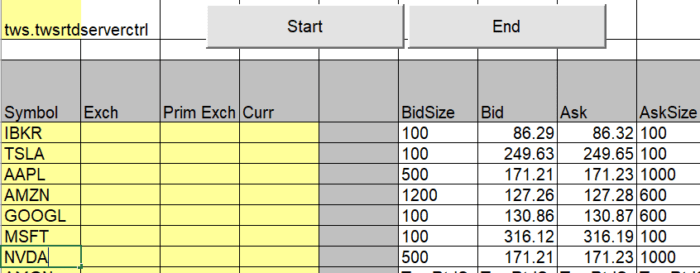
Requesting data through the Excel RTD sample is a simple process and can be done in 2 ways:
- Locate and click the start button on one of the 3 pages. This will trigger the data to start streaming. Implicitly, you may change the values in the columns to define your own security/contract.
- Create and enter a formula into any empty cell. Once you hit enter, the data will start streaming in that cell with the requested quote.