Navigating Through The Sample Spreadsheet
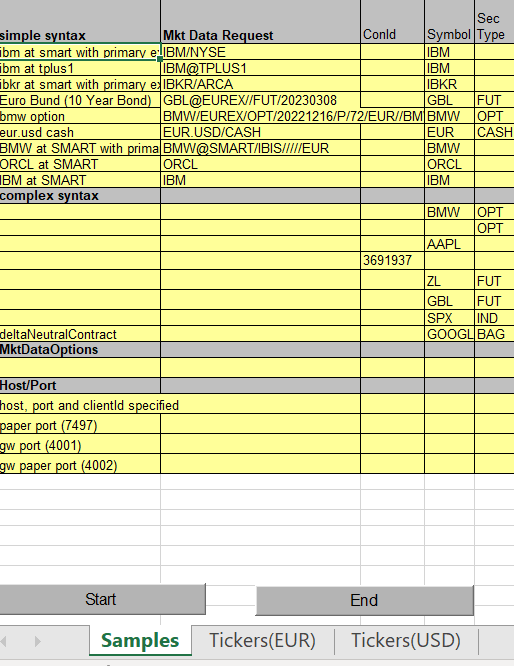
The sample sheet primarily uses the START and END macro buttons to automatically add or remove an equal sign at the beginning of the pre-populated formulas in order to complete each request.
In the sample, the names of the columns in the spreadsheet such as “Volume”, are used as the “topic string” and are referenced directly in the RTD formulas to create the formulas for each cell. You may do the same in your custom spreadsheet or you may write your formulas explicitly.
This spreadsheet consists of 3 pages:
- Samples: includes examples for different security types (stocks, options, futures, forex, etc.)
- Tickers(EUR): includes a variety of European stokcs
- Tickers(USD): includes a variety of US stocks
NOTE: If if Exchange, Currency and SecType are not specified, those values default to SMART, USD and STK accordingly.