Locating the Sample Spreadsheet
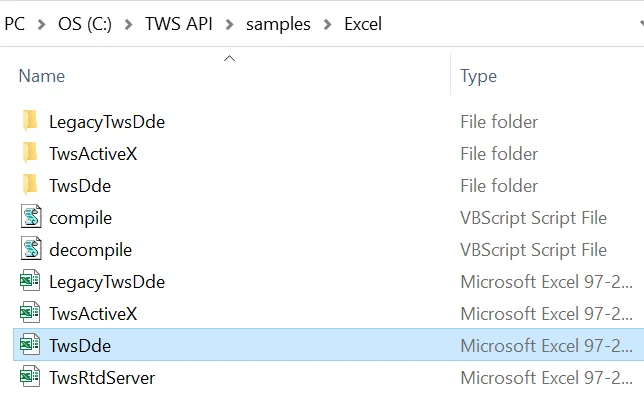
After launching the socket bridge and while having TWS open and all the necessary API settings are set on it, as show in Configure Trader Workstation for DDE, we can then locate and open our sample sheet. Navigate to C:\TWS API\samples\Excel and select “TwsDde.xls”.