Student Trading Lab Introduction

Welcome to Interactive Brokers!
Congratulations on your new Student Trading Lab account
This Welcome Center will help you get started with Interactive Brokers Client Portal, trading platform and additional resources. Getting started is quick and easy.
Manage Your Account
Client Portal
Our web application serves as your one-stop destination to check quotes and place trades, see account balances, P&L and key performance metrics, reporting, and more.
1. Account/User Settings
2. How to create your own trading account
Login to Client Portal, send an invitation to yourself and create your own sub-account.
3. How to invite students
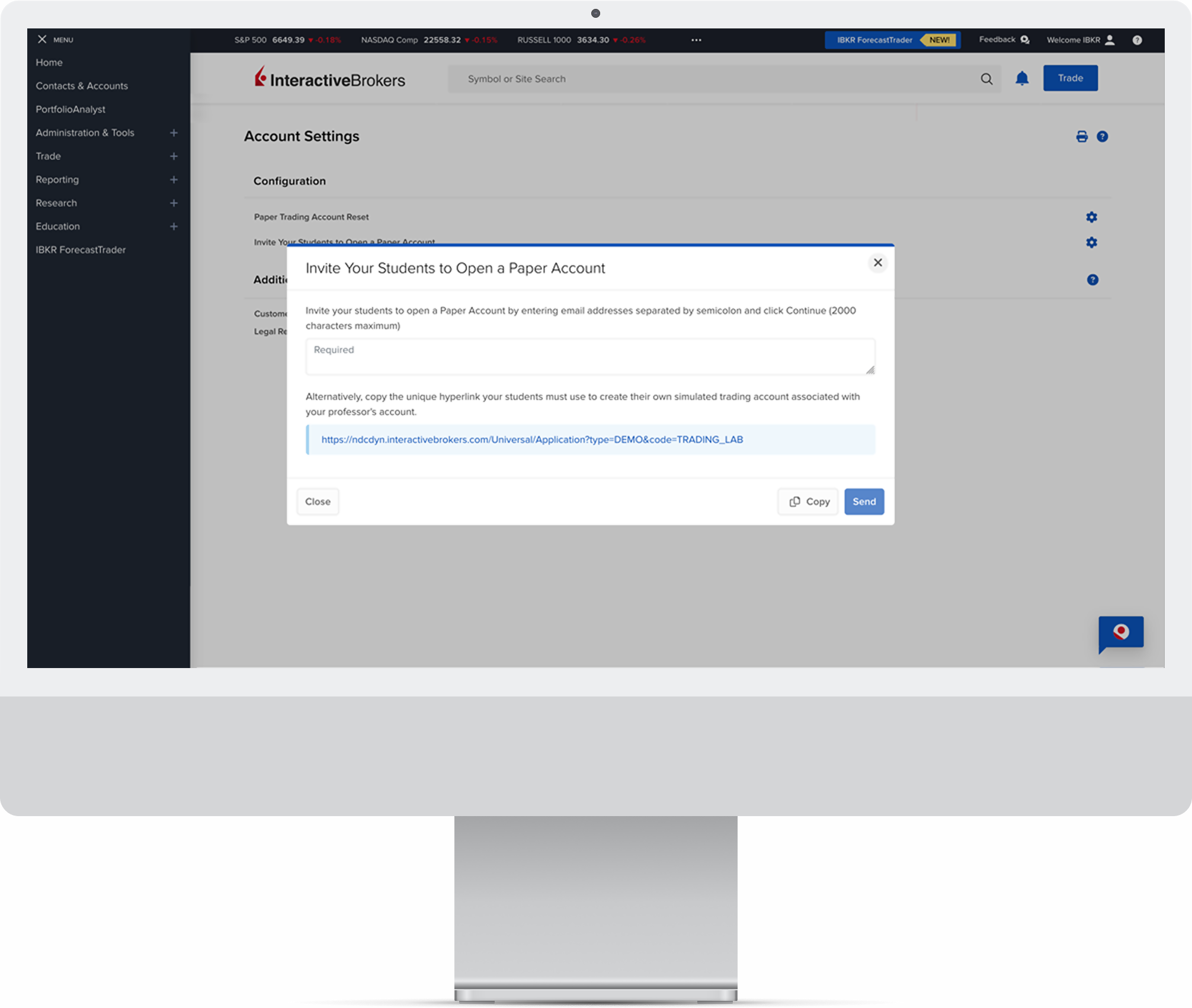
Log in to Client Portal via the Log In button on our website to send email invitations to your students to open a paper trading account.
Begin by navigating to the Home menu located in the upper left corner. Click the plus sign, select Administration & Tools, and then choose Invite Your Students to Open a Paper Account. Enter the students’ email addresses into the designated field.
4. Reporting
Use the options in Client Portal to manage and monitor your account, perform account cash equity resets, and more. Please note that for a full reset, users should close all positions in the paper account before resetting the cash amount. Paper account reset requests received by 1600 ET will be processed by the next day.
- Statements
- Flex queries
5. Sample Assignments
This collection of resources helps professors enhance classroom content or use our sample assignments and resources to develop student trading skills.
Trade Your Account
 |
 |
 |
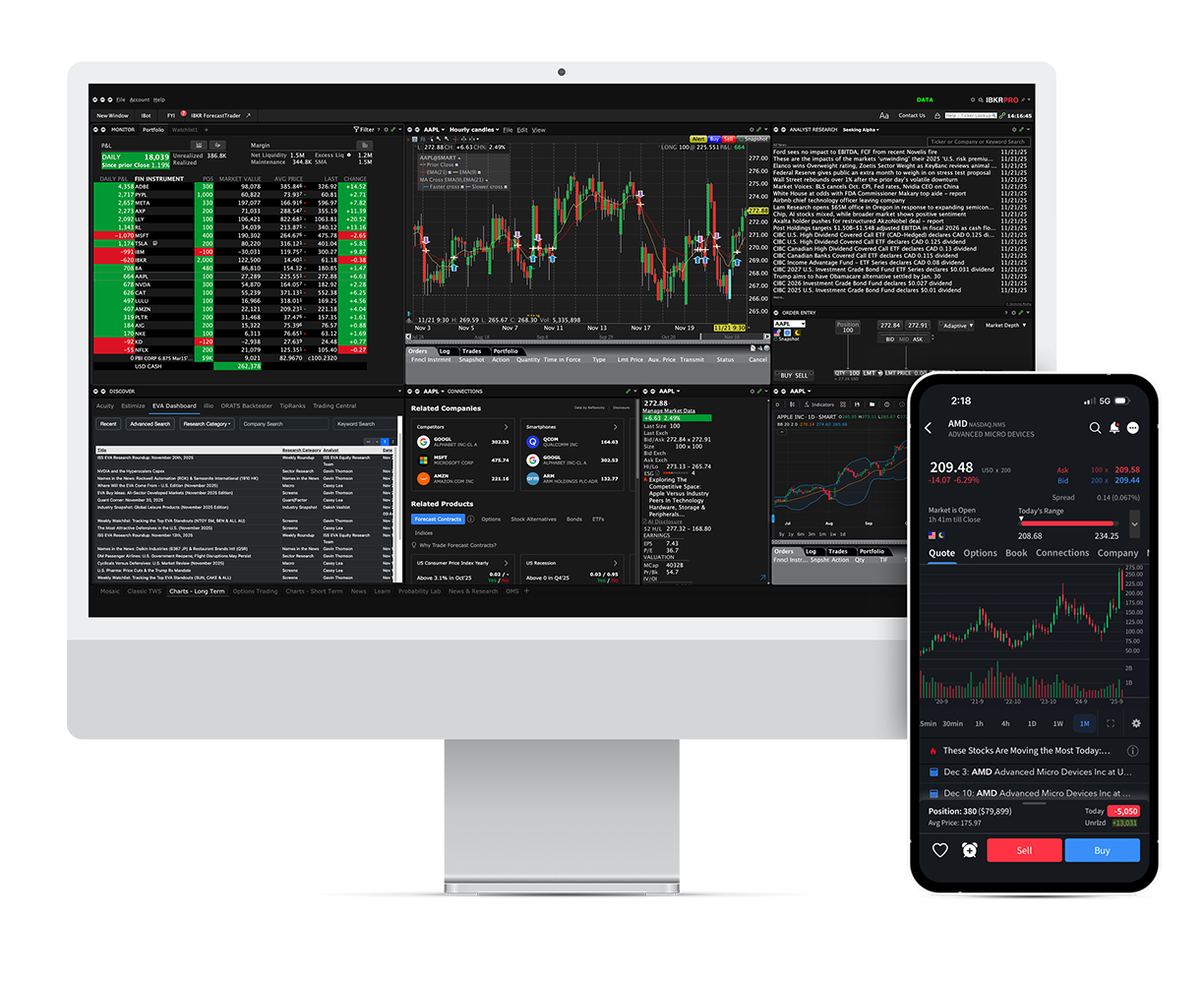 |
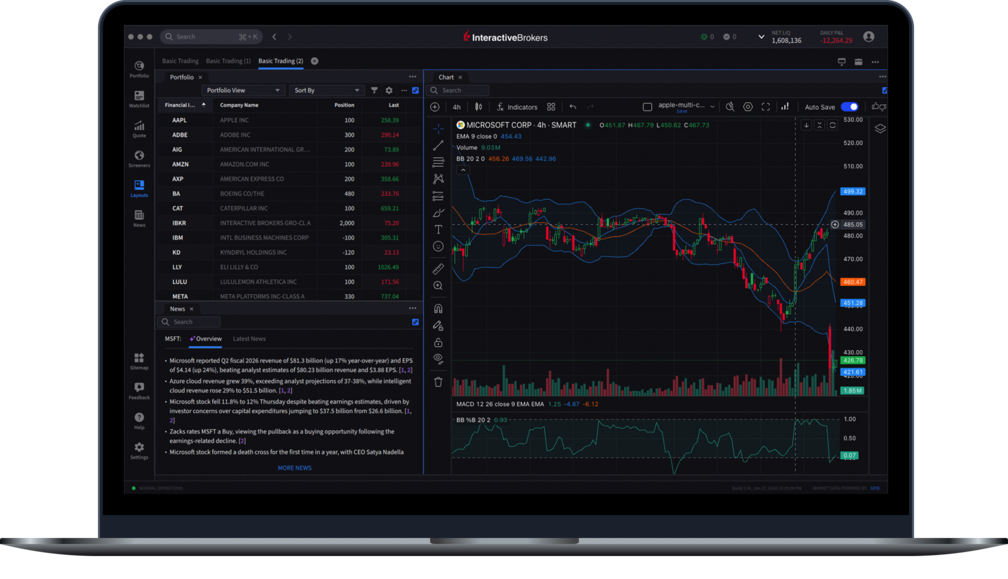
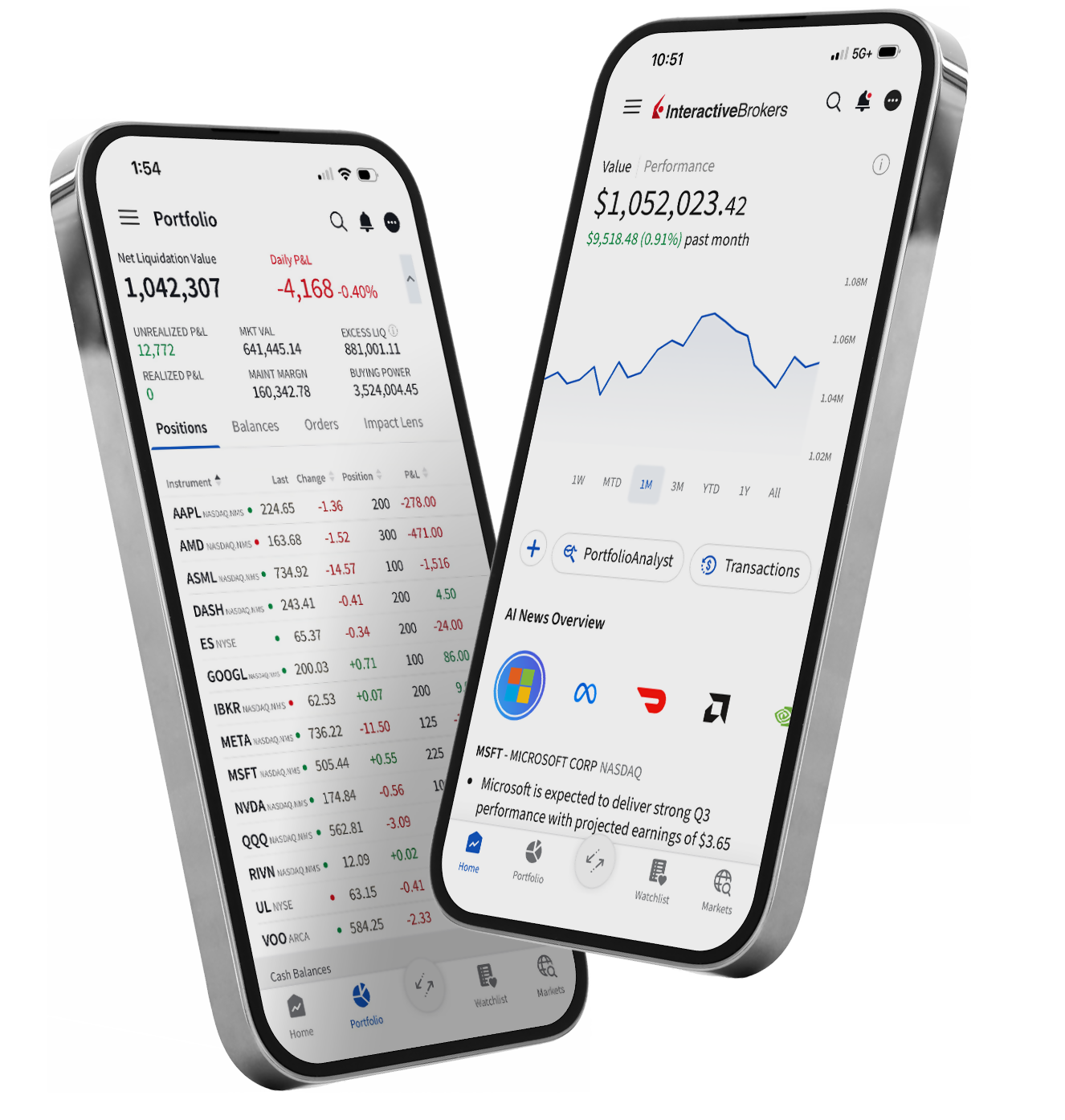
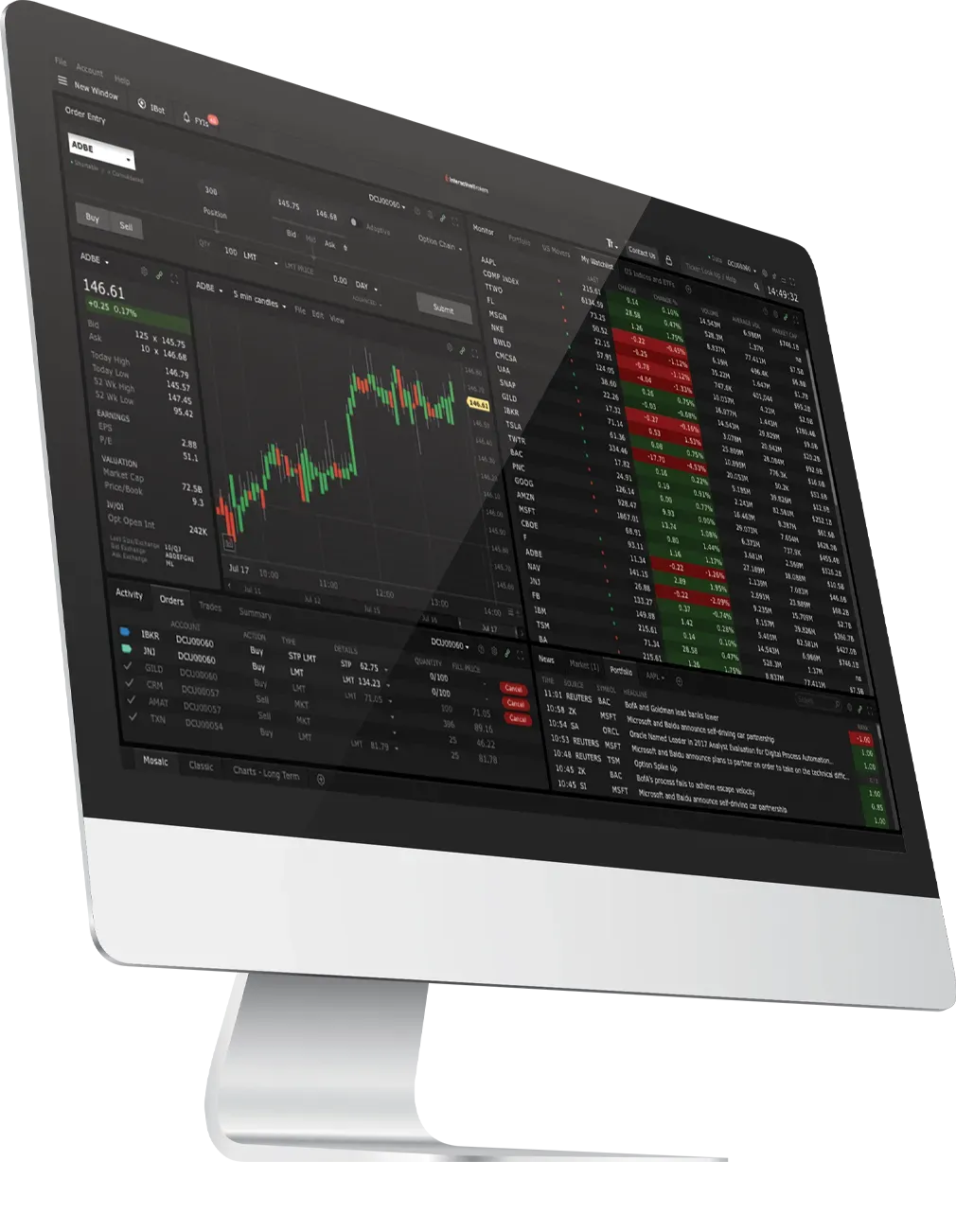
| IBKR Desktop | IBKR Mobile | Trader Workstation (TWS) | APIs |
| Desktop | Mobile | Desktop | Desktop |
|
IBKR Desktop is our client-driven desktop trading platform, which combines the most popular tools from our flagship Trader Workstation (TWS) with a growing suite of original features suggested by our clients. |
Easily trade and monitor your IBKR account on-the-go from your iOS or Android device (tablet or smartphone). |
Our flagship desktop platform designed for active traders and investors who trade multiple products and require power and flexibility. |
From our easy-to-use Excel API to our industrial strength FIX API, we offer something for every experience level. Our TWS API is well-supported with numerous examples to help you get started. |
Beginner
Intermediate
Advanced |
Beginner
Intermediate
Advanced |
Beginner
Intermediate
Advanced |
Beginner
Intermediate
Advanced |
| Download | Download | Download | Get Started |
Trade U.S. and global stocks, options, futures, currencies and bonds in a safe, simulated environment.
| Products | IBKR Desktop | Client Portal | Trader Workstation | Mobile | IBKR API |
|---|---|---|---|---|---|
| Stocks | |||||
| Options (Incl. Futures Options) | |||||
| Futures | |||||
| Spot Currencies | |||||
| Warrants | |||||
| Combinations | |||||
| Bonds | |||||
| Mutual Funds | |||||
| Forecast Contracts |
Educational Resources
Help your students enhance their learning with IBKR Campus
Improve your understanding of the products, tools and markets available via IBKR's award-winning Trader Workstation (TWS), IBKR Mobile, Client Portal, IBKR Desktop, and TWS API applications.
Learn More About Traders' Academy