Connecting TradingView with Interactive Brokers
- Log in to tradingview.com.
- Select the Trading Panel tab on the bottom window of TradingView.
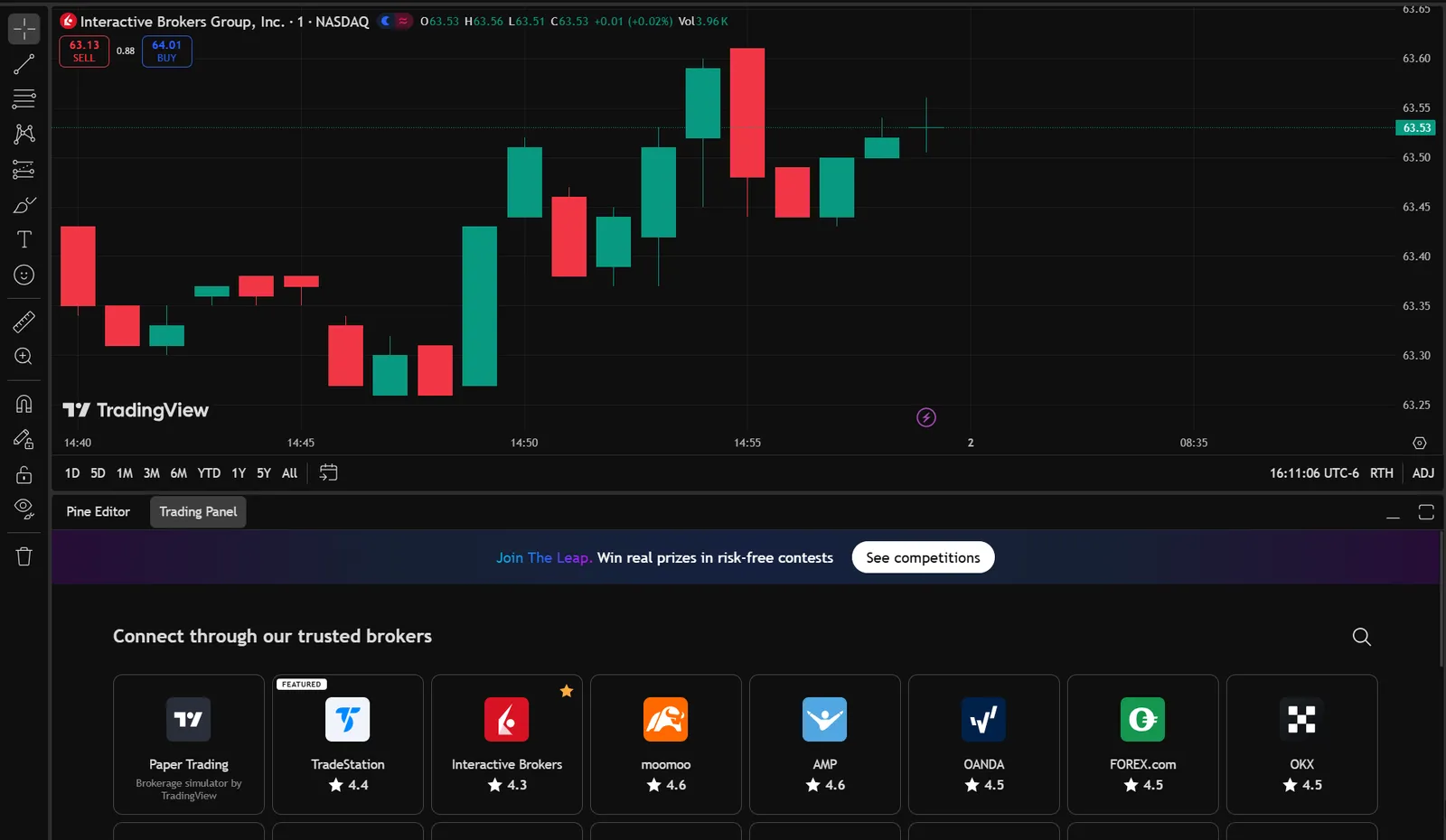
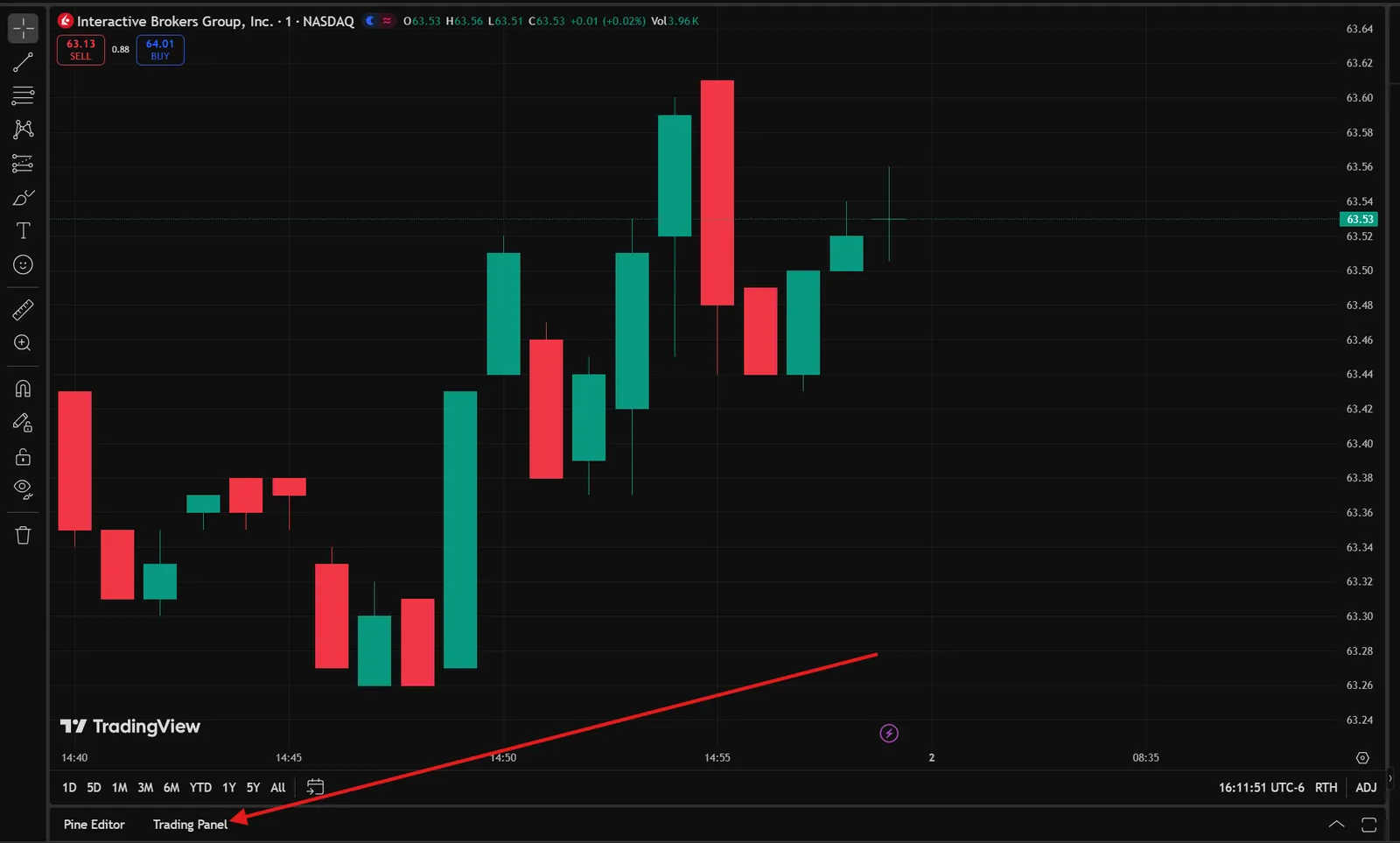
For some users, this screen may be minimized, and users will need to expand it.
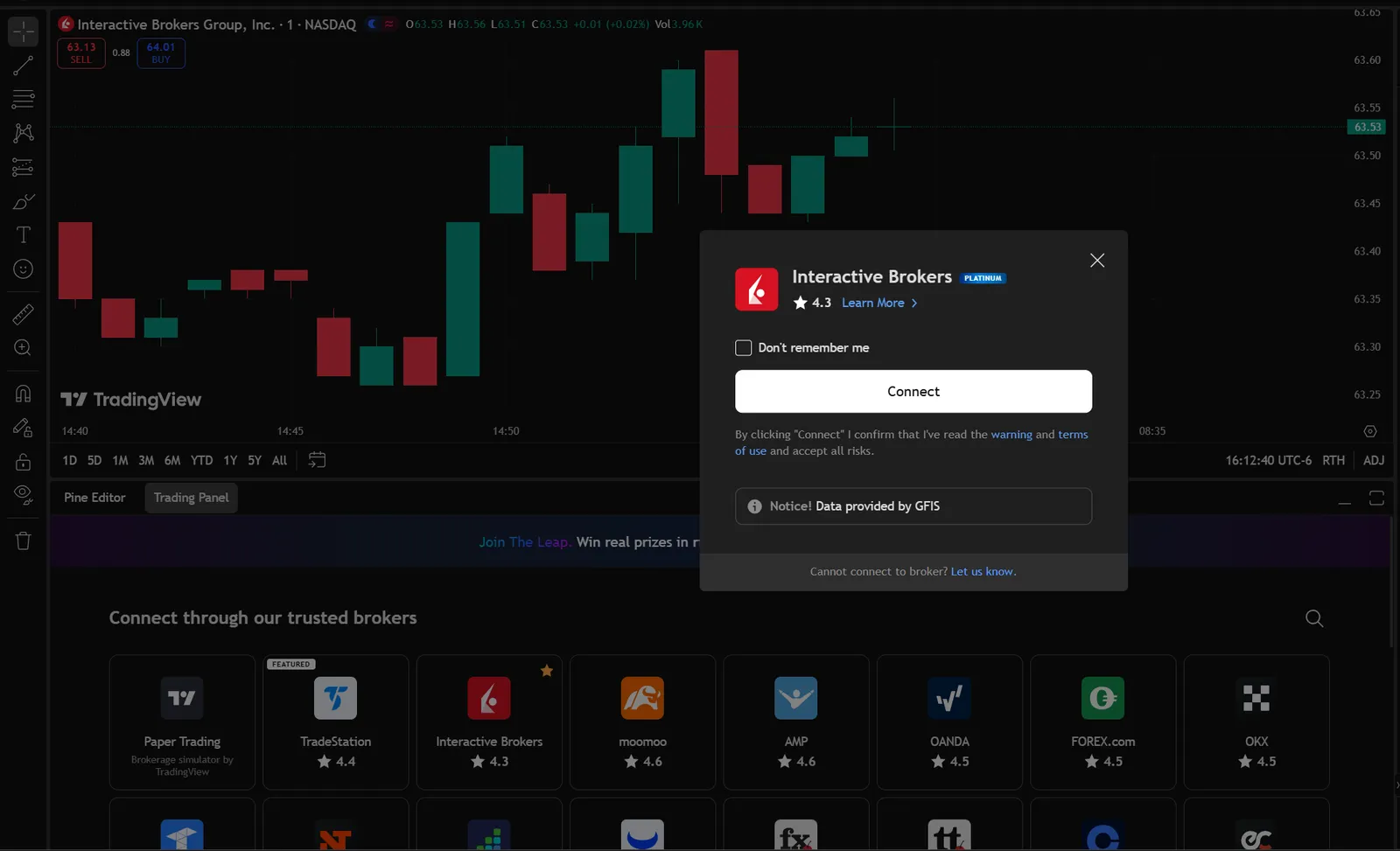
- Choose the Interactive Brokers tile in the Trading Panel. The position of the tile in the window may vary.
- Click the Connect button in the pop-up.
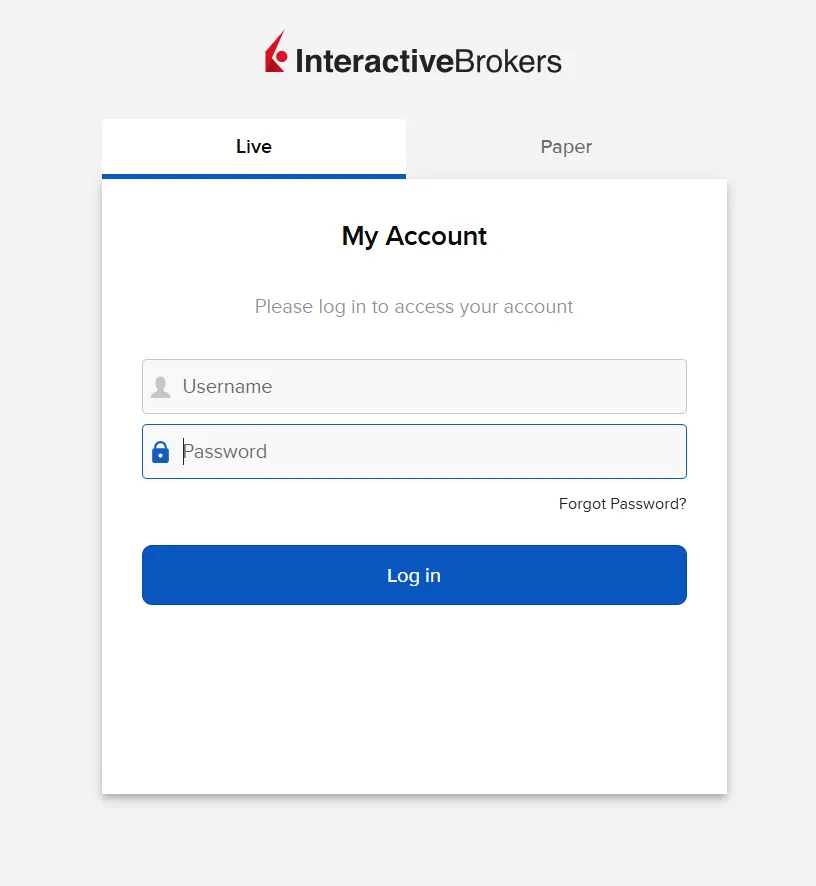
- Sign in with your Interactive Brokers credentials
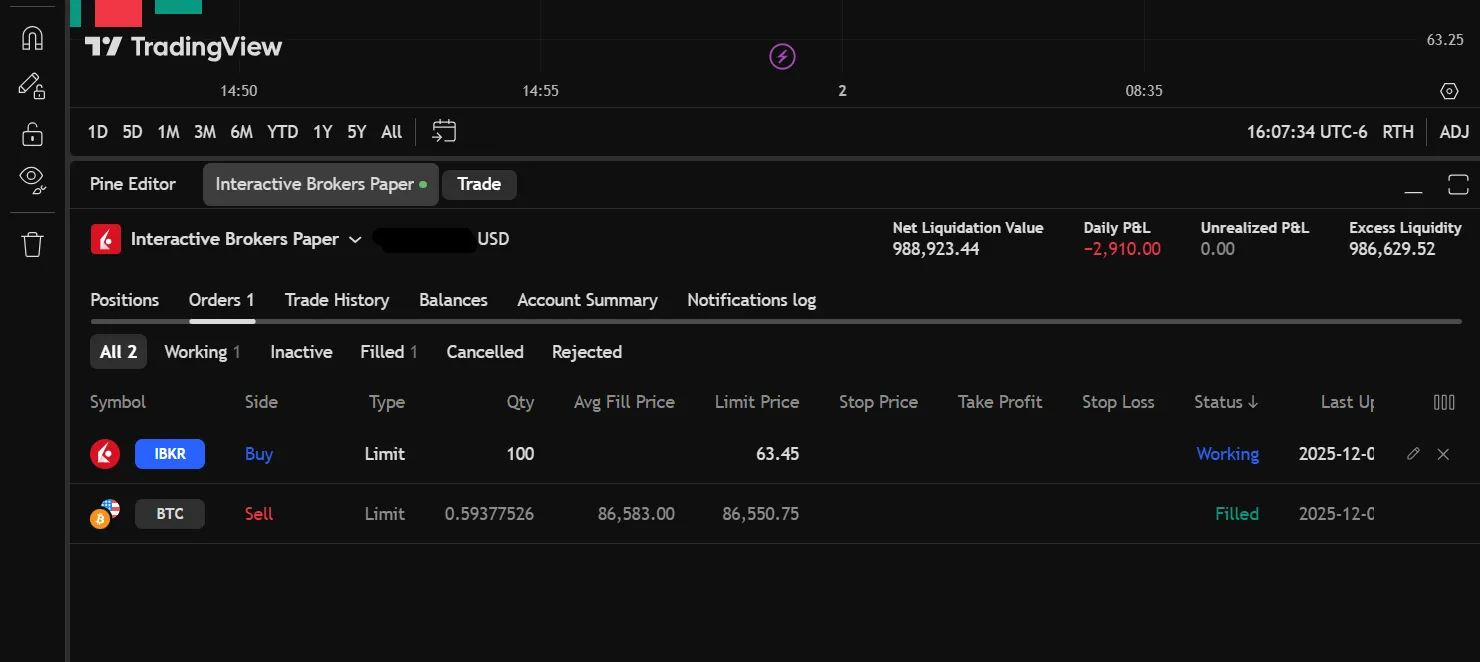
- The Trading Panel tab containing brokers will update to showcase your positions held at Interactive Brokers. You will also see tabs for your orders, trade history, balances, and more.