Initial Connection
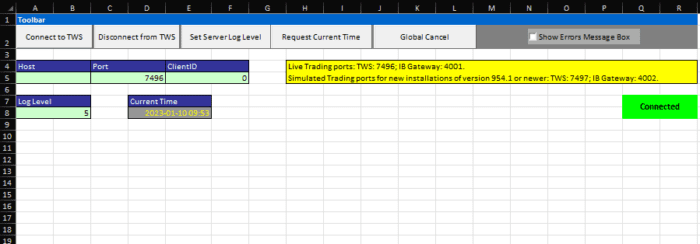
After launching the sheet, you will be greeted with the General tab, which includes the connection details.
As it is with other Socket-based technologies, the host, port and ClientID are required when establishing the connection to TWS:
- If TWS and Excel are on the same machine, then Host could be left blank as this represents the ‘localHost’.
- Port Number must be the same port TWS listens on. By default, it will be set to 7496.
- The client ID can be any positive integer and will be used to identify this specific API connection.
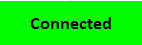
Assuming your connection details are correct, you may click the “Connect to TWS” button in the top right corner now. The red “Not connected” button will turn yellow while “Connecting”. When can start using the sheet once the button says “Connected” in green.
Note: Please be aware it may take a second or two for the connection to begin. You may need to wait a moment for the connection to establish.