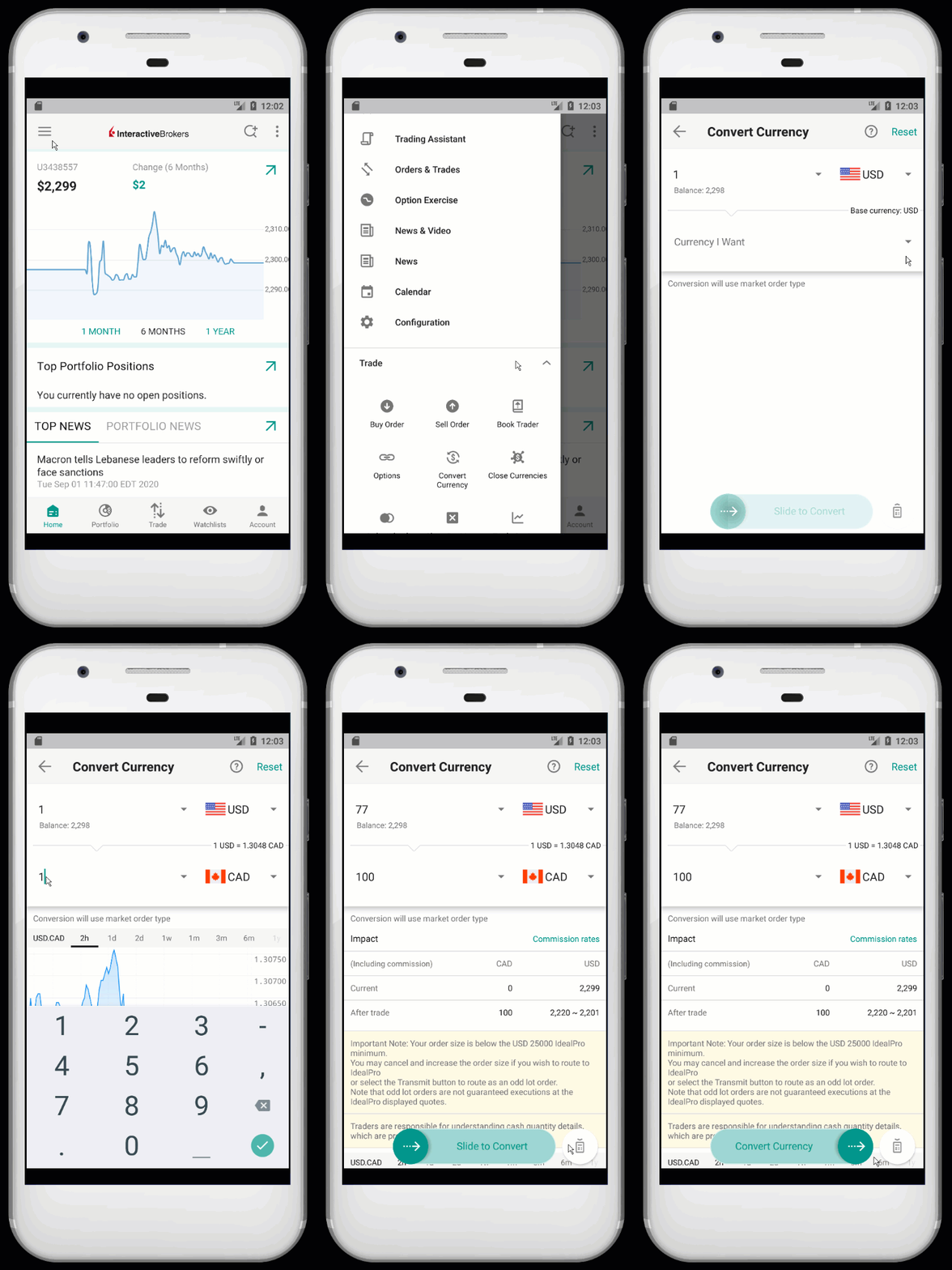
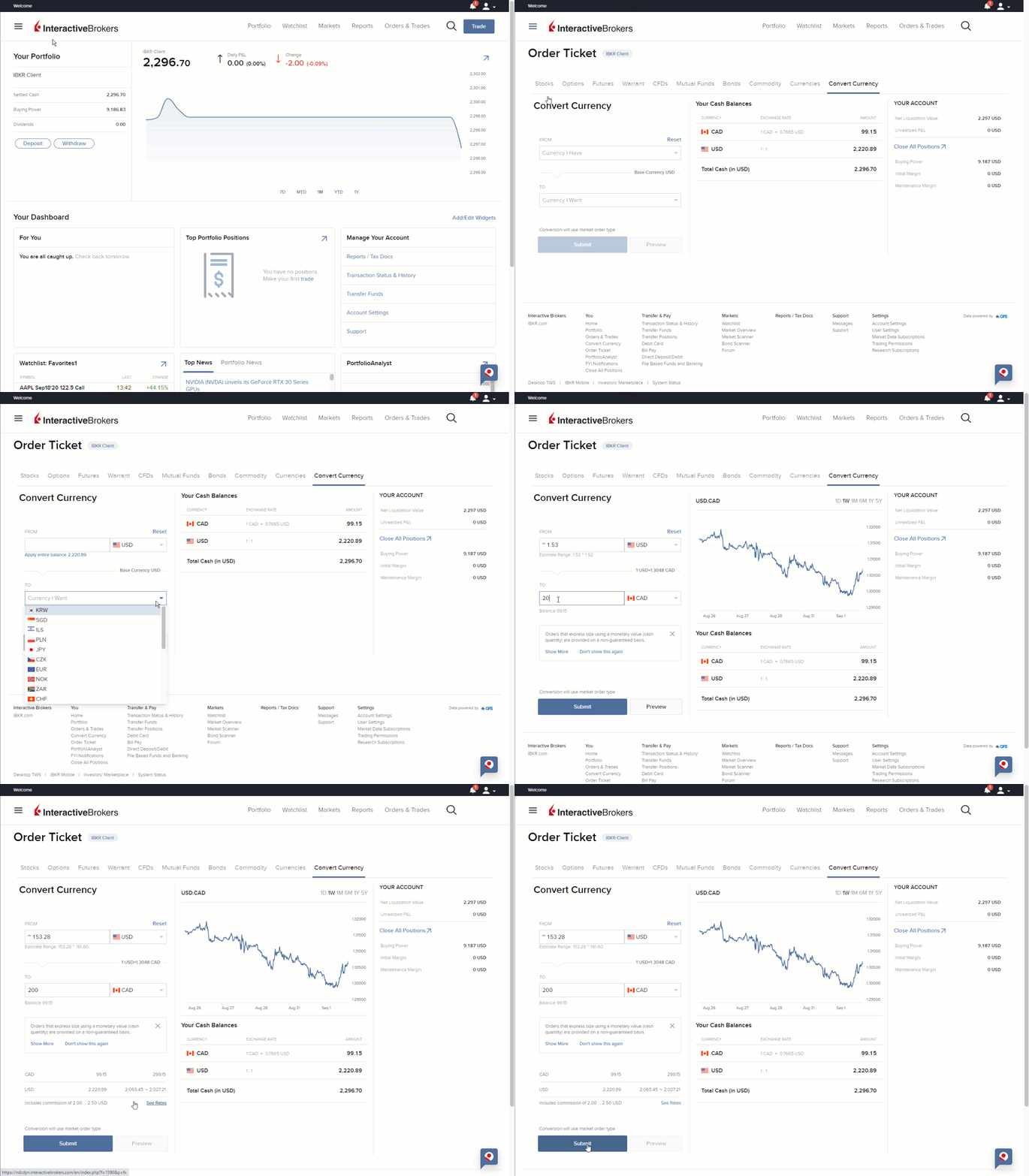
Clients have the ability to convert currency, either to establish a cash position or trade foreign products. To place a currency trade, enter the currency pair you wish to trade (ex. EUR.USD) into the Trader Workstation (TWS) desktop platform as you would any other symbol and select IDEALPRO CASH if prompted by the contract selection menu. You can then initiate a trade using the Classic TWS Inline Order Entry, Order Ticket, or Mosaic Order Entry window. Configure your trade as you wish and transmit the order when ready.
- The action (Buy/Sell) will be for the first currency in the pair. In other words, if you would like to be long EUR 500 you would place a trade to Buy 500 EUR.USD.
- Order quantity is by default in terms of units of the first currency of the pair. However, you can have the system calculate order quantity based on a monetary value.
- Only one symbol is available for each currency pair, for ex. EUR.USD is available but not USD.EUR.
- Residual cash balances in non-base currency are converted automatically in base currency within 2 working days at no cost for clients.
- In a Cash account the commission will be charged in your base currency.
Additional Information