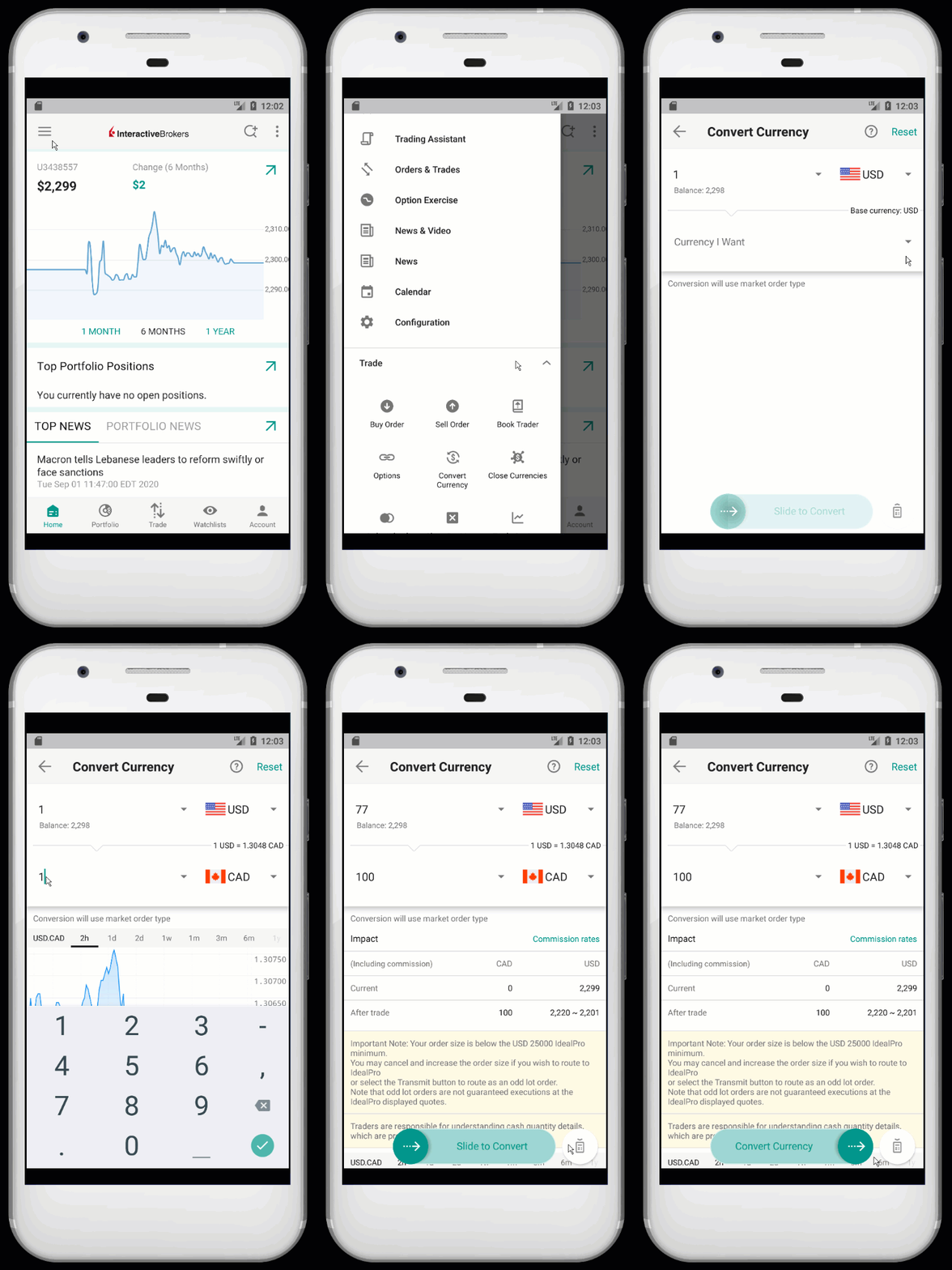
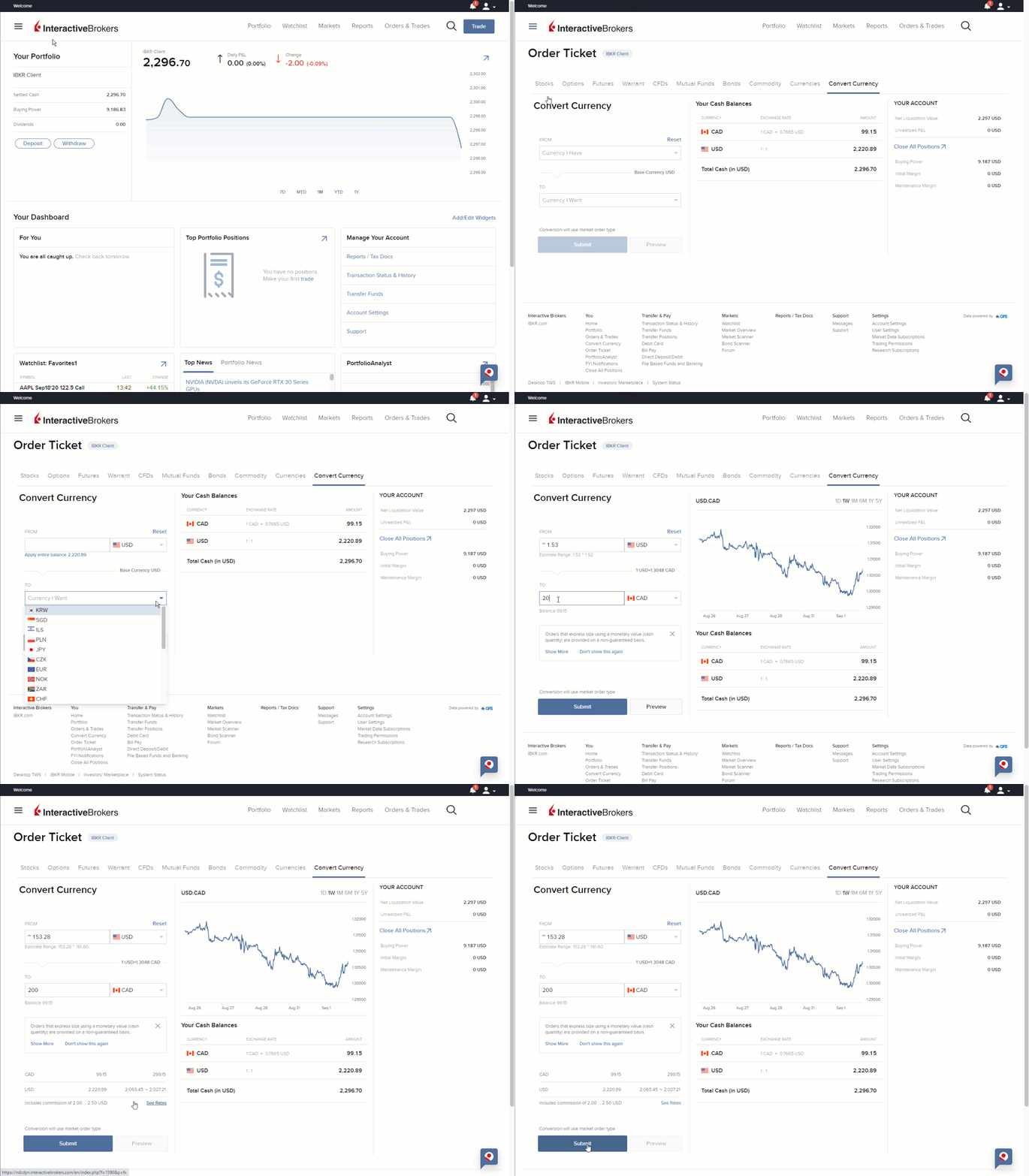
All Canadian margin accounts can trade leveraged forex except for residents of Alberta.
To enable the leveraged forex trading permission:
- Log in to Client Portal
- Select the User menu (head and shoulders icon in the top right corner) followed by Settings.
- If you manage multiple accounts, select your account within the Account Selector popup.
- Under Account Settings find the Trading section
- Click on Trading Permissions.
- Locate Currency/Forex section, select Add/Edit or Request under Currency/Forex and check the box for Leverage Forex and click on CONTINUE.
- Review and sign the disclosures and agreements.
- Click CONTINUE and follow the prompts on screen.
Permissions are typically approved in 48 business hours.
Additional Information