In order to trade foreign stocks you must add the requisite trading permissions through Client Portal.
- Log into Client Portal
- Select the User menu (head and shoulders icon in the top right corner) followed by Settings
- If you manage multiple accounts, select an account by clicking on the account number to popup the Account Selector
- Under Account Settings find the Trading section
- Click on Trading Permissions
- To add trading permissions, select Add/Edit or Request under the product you wish to trade and check the box next to whichever trading permission or program you want to request and click on CONTINUE.
- Review and sign the disclosures and agreements.
- Click CONTINUE and follow the prompts on screen.
On the following pages, review your financial information and investment objectives and make any changes necessary. You also may be prompted to sign agreements or disclosures depending on the permission or program being requested. Continue forward until you have completed all of the prompts. Permissions are typically approved in 48 business hours.
Please Note
- IBKR cannot disclose its eligibility requirements for products. Please do not contact Customer Service to ask for these criteria as they cannot provide additional information.
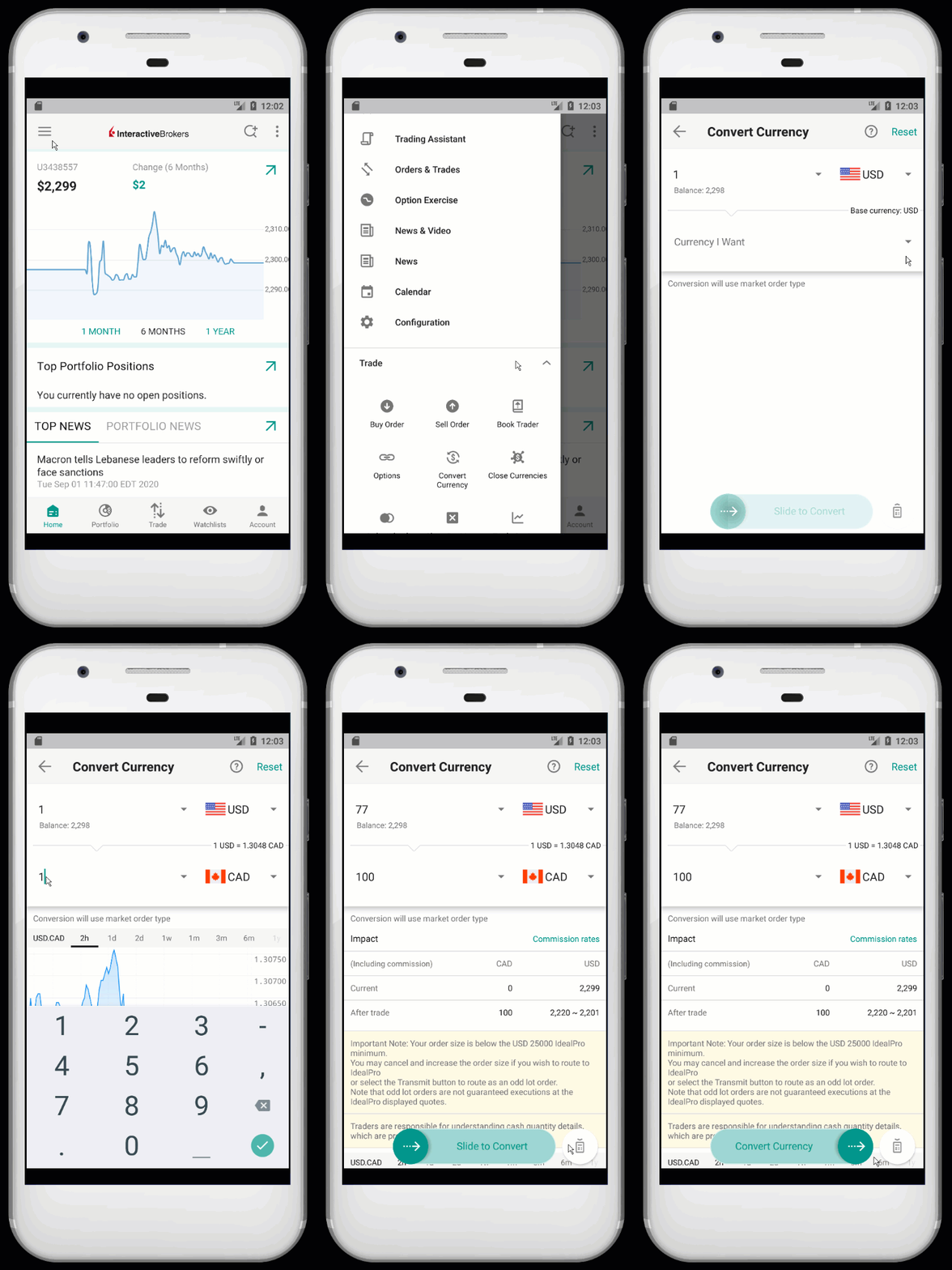
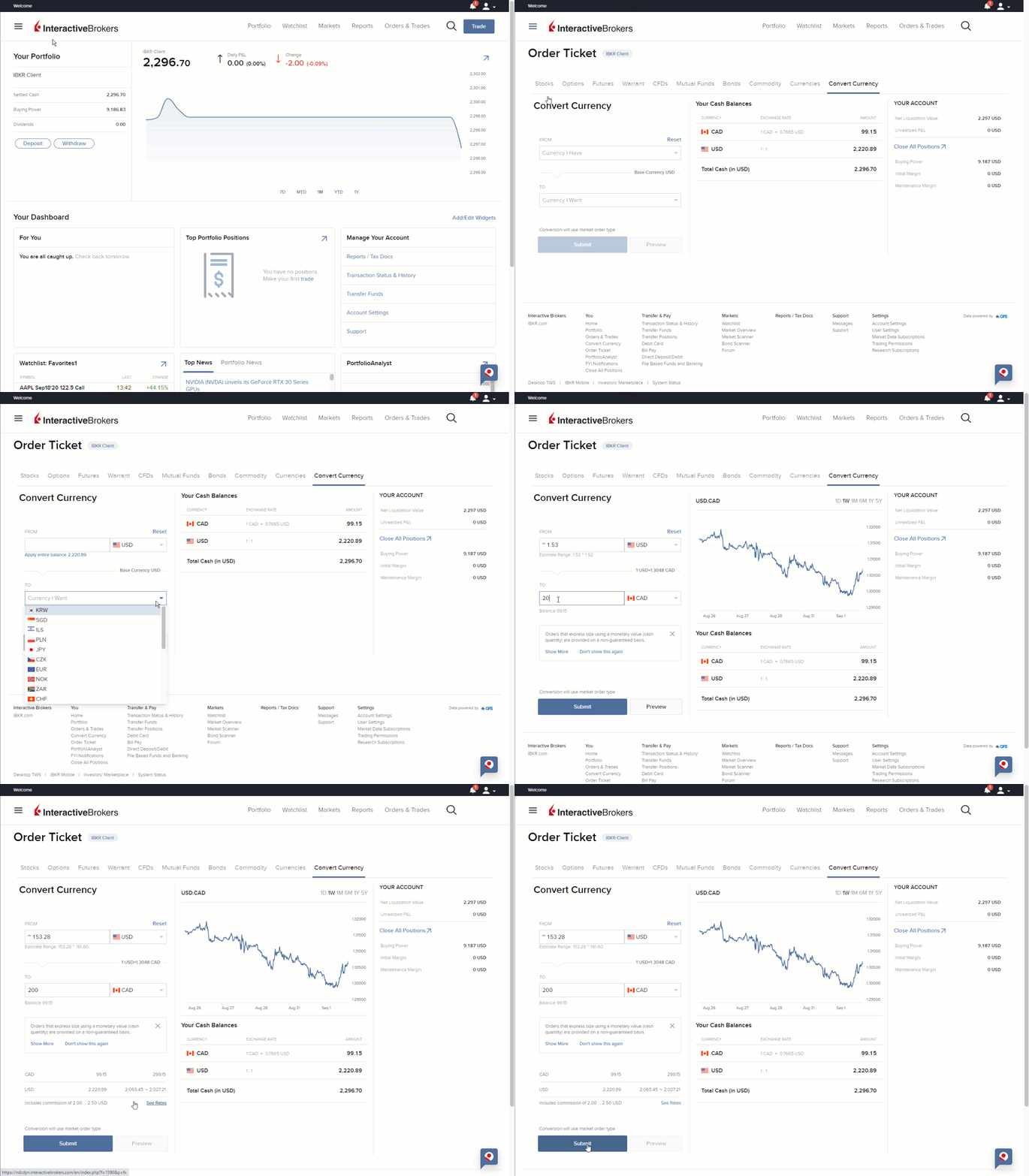
- When placing a trade in a foreign stock, if you do not hold the currency in your account then with a cash account you will be required to convert your currency but with a margin account a loan will be created.
- Interactive Brokers’ Risk Disclosure Regarding Ramp and Dump Scams for information on the risks associated with trading stocks listed in Hong Kong.
Additional Information
- Requesting trading permissions in the Client Portal Users' Guide.
- Do I have to change currency before buying a stock?
- How do I convert currency in my Interactive Brokers (IBKR) account?
- See how to convert currency in IBKR Mobile for iOS
- See how to convert currency in IBKR Mobile for Android
- See how to convert currency in Client Portal